
Plugin WhoKilledMe
WhoKilledMe
WhoKilledMe, PvP messages for a Minecraft server
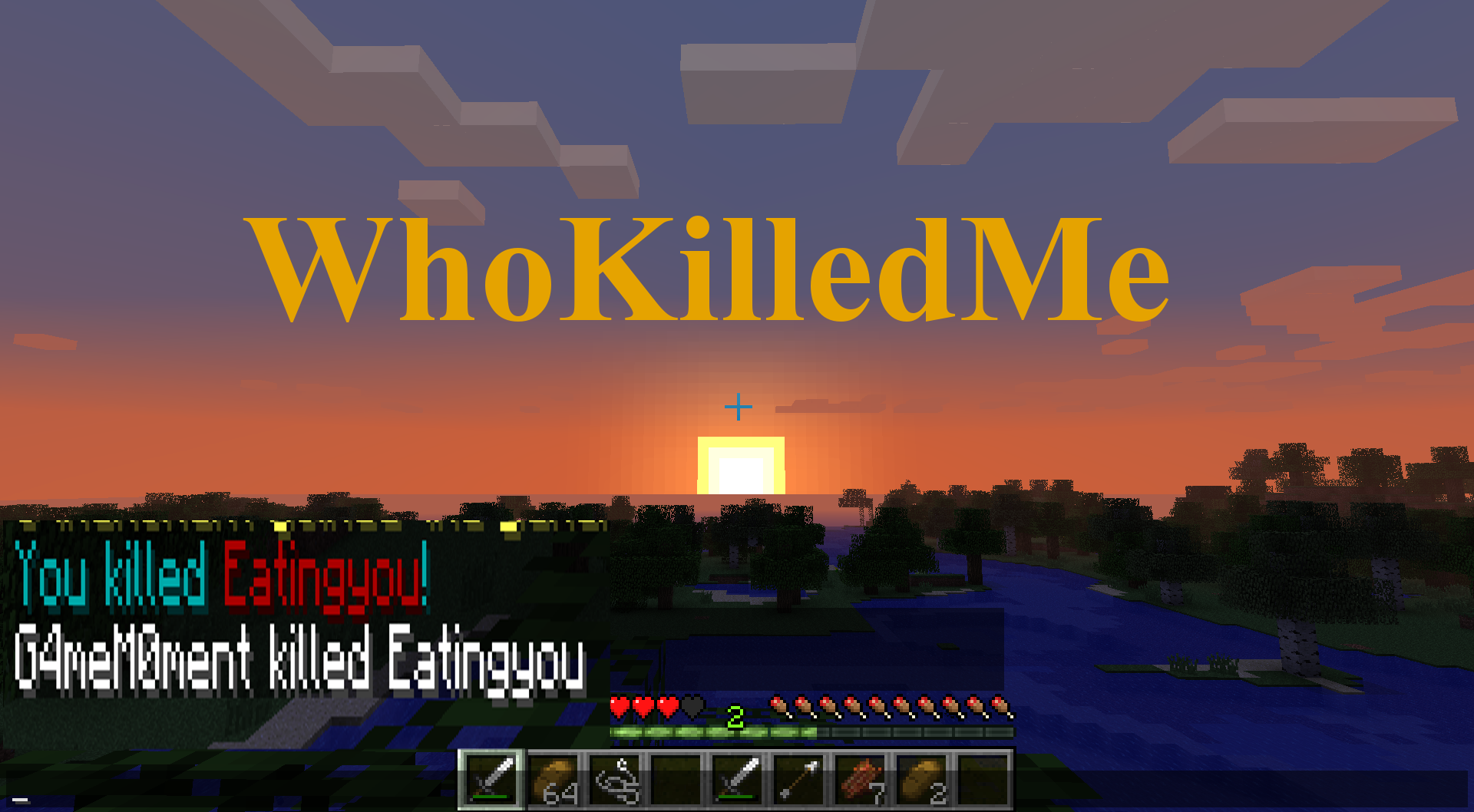
WhoKilledMe is a legacy Bukkit plugin for a Minecraft server that makes player versus player deaths clearer and more personal. After a combat death, it can show a configurable message naming the killer, while the winning player receives a separate confirmation. Server administrators can also broadcast PvP kills, disable vanilla death messages, and customise wording with Minecraft colour codes and placeholders for the attacker and victim.
Permission nodes let staff decide who receives victim or killer notifications, while a reload command applies configuration changes without restarting. BoxToPlay presents it as a lightweight option for classic PvP communities wanting readable combat feedback.
Available Versions
How to add WhoKilledMe to your Minecraft server
Select your version
Select the version of WhoKilledMe you want installed on your Minecraft server.
Check your cart
You go directly to your cart with the Minecraft plan and selected version of WhoKilledMe already included. Check that everything is correct before continuing.
Receive your server
Wait while your Minecraft server is built and delivered. Installation of your selected WhoKilledMe version starts during setup. Once it is ready, connect and have fun.
Ready to use WhoKilledMe?
Create your Minecraft server and install the WhoKilledMe plugin with one click!