
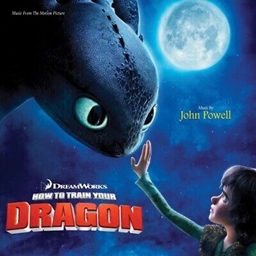
How to train your Dragon: Part One
How to train your Dragon: Part One
How to Train Your Dragon Part One, the ideal modpack for dragon tamers
How to Train Your Dragon Part One is a compact modpack focused on the iconic dragons from the HTTYD universe. Players explore the world from the skies, searching for eggs to hatch, tame and breed many species from the franchise alongside brand new dragons. The pack mixes powerful magic mods like Thaumcraft and Bloodmagic with high tech options such as AE2 and EnderIO, enabling storage, automation and efficient bases. Designed as a lightweight fantasy adventure, it fits perfectly on a Minecraft server where cooperative dragon riding truly shines, making it a great choice that we at BoxToPlay love to highlight.
Available versions
How to add How to train your Dragon: Part One to your Minecraft server
Select your version
Select the version of How to train your Dragon: Part One you want installed on your Minecraft server.
Check your cart
You go directly to your cart with the Minecraft plan and selected version of How to train your Dragon: Part One already included. Check that everything is correct before continuing.
Receive your server
Wait while your Minecraft server is built and delivered. Installation of your selected How to train your Dragon: Part One version starts during setup. Once it is ready, connect and have fun.
Ready to install How to train your Dragon: Part One on your own Minecraft Server?
Create your server and install How to train your Dragon: Part One with one click!