
CurseForge Minecraft maps
 Adventure
 Creation
 Game Map
 Survival
 Puzzle
 Parkour
 Modded World
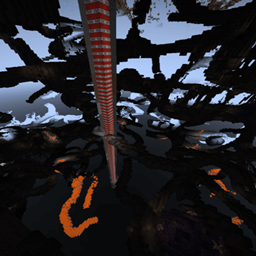

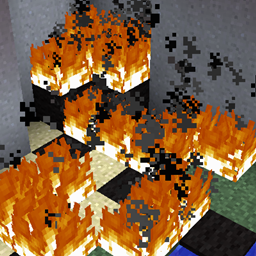


D-Mine
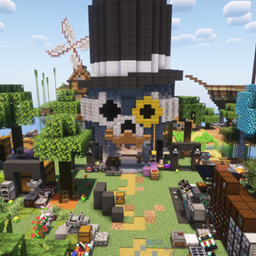
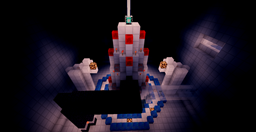
D Mine, a mining focused Minecraft map D Mine is a compact Minecraft map built around a clear progression loop: mine blocks, sell your resources for money, then invest your earnings in better pickaxes. Its straightforward concept makes every mining session purposeful, as improved tools help you work more efficiently and continue progressing. Listed for Minecraft 1.16.5, the map is presented as a puzzle, adventure, creation, and game map, making it suitable for solo play or a custom Minecraft server experience. At BoxToPlay, we see it as an accessible choice for players who enjoy simple resource gathering with a rewarding upgrade system.

A - Z of Minecraft
A to Z of Minecraft A to Z of Minecraft is a Minecraft map built as a VILLAGER.INC certified testing course for Minecraft 1.9 snapshots. It contains 26 alphabet themed testing rooms, each presenting a different challenge and asking players to press the blue button at the finish. Progression mixes puzzle solving with parkour, trading, brewing, item use, and other classic Minecraft skills, while collected letters are delivered to CORE. Designed mainly for solo play, it can also support multiplayer, although extra players may make some tests easier. We at BoxToPlay recommend it for players who enjoy structured challenges, playful science fiction framing, and a map famously tested by TDM.


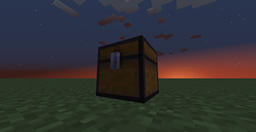
Infinichest
Infinichest Minecraft map Infinichest is a compact Minecraft map built around a single chest, turning storage into a full adventure. The challenge unfolds through nested chests, some of them locked, so progression depends on finding keys and solving the map’s puzzles. It is designed as a focused puzzle adventure rather than an open world, which makes every discovery feel deliberate and rewarding. Made for Minecraft 1.8, it is a memorable choice for players who enjoy clever progression and tight design. We at BoxToPlay see it as a great fit for a Minecraft server session where short, unusual maps create instant discussion and fun.
Ready to launch a new world?
Create your Minecraft server and install a CurseForge map as a new world from the panel.
Create my server