
Datapack Oritech: Disable Oil Springs
Oritech: Disable Oil Springs
Oritech: Disable Oil Springs
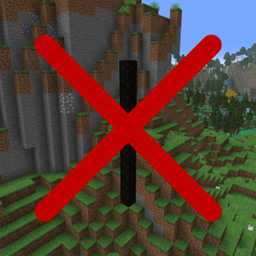
Oritech: Disable Oil Springs is a focused Minecraft datapack for worlds using the Oritech technology mod. It prevents Oritech’s crude oil springs from generating in the Overworld, helping create cleaner landscapes without changing the mod’s machines, resources, recipes, or progression.
This lightweight world generation adjustment is useful for players and administrators who prefer to control visible oil deposits or keep exploration areas more natural. It supports a tidy Minecraft server experience and fits well into modpacks with alternative oil systems. At BoxToPlay, we consider it a practical choice for customizing Oritech terrain in one click.
Available Versions
How to add Oritech: Disable Oil Springs to your Minecraft world
Select your version
Select the version of Oritech: Disable Oil Springs you want installed on your Minecraft server.
Check your cart
You go directly to your cart with the Minecraft plan and selected version of Oritech: Disable Oil Springs already included. Check that everything is correct before continuing.
Receive your server
Wait while your Minecraft server is built and delivered. Installation of your selected Oritech: Disable Oil Springs version starts during setup. Once it is ready, connect and have fun.
Ready to use Oritech: Disable Oil Springs?
Create your Minecraft server and install the Oritech: Disable Oil Springs datapack with one click.