
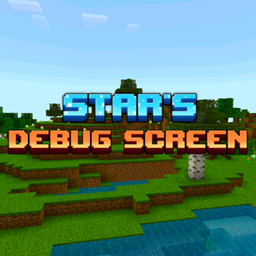
Add-on Star's Debug Screen
Star's Debug Screen
Star’s Debug Screen, a Java Style F3 Display
Star’s Debug Screen is a Minecraft Bedrock add on that brings a clean, customizable version of Java Edition’s F3 debug display to MCBE. Its overlay shows facing direction, player and chunk coordinates, attack angle, biome, light level, dimension, elapsed time, nearby entity count, village and underground status, weather, day count, moon phase, difficulty, and TPS.
The screen is toggleable, multiplayer compatible, supports multiple languages, and works without cheats or disabling achievements. Each player can personalize the information shown, with Star’s Centralized Menu supporting deeper customization. For a practical Minecraft server interface, our BoxToPlay team recommends it to builders, technical players, and survivalists.
Available Versions
How to add Star's Debug Screen to your Bedrock server
Select your version
Select the version of Star's Debug Screen you want installed on your Minecraft Bedrock server.
Check your cart
You go directly to your cart with the Minecraft Bedrock plan and selected version of Star's Debug Screen already included. Check that everything is correct before continuing.
Receive your server
Wait while your Minecraft Bedrock server is built and delivered. Installation of your selected Star's Debug Screen version starts during setup. Once it is ready, connect and have fun.
Ready to use Star's Debug Screen?
Create your Minecraft Bedrock server and install the Star's Debug Screen add-on with one click!