
Add-on Wan's Redstone Caves
Wan's Redstone Caves
Wan’s Redstone Caves, a futuristic Bedrock add-on
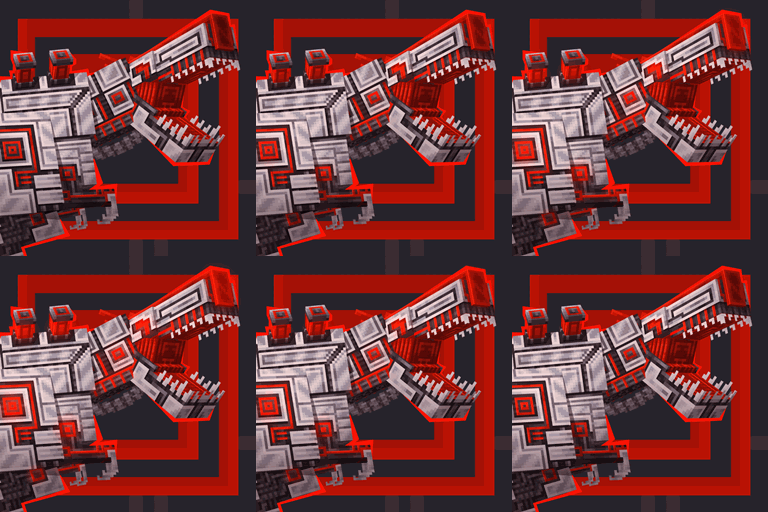
Wan’s Redstone Caves is a technology focused Minecraft Bedrock add-on that transforms underground exploration into a glowing mechanical adventure. It introduces a Redstone cave biome with Magnetite and Hematite stone, exclusive ores and crystals, luminous formations, synthetic vegetation, and crystalline lava pools.
Explore this hostile ecosystem, tame robotic mobs with Network Cores, and turn them into pets or helpers. Generators create energy from Bluestone, while the modular Network system connects machines, storage, and automation without cables. It is an excellent choice for a technical Minecraft server, and BoxToPlay makes the server experience easy to enjoy.
Available Versions
How to add Wan's Redstone Caves to your Bedrock server
Select your version
Select the version of Wan's Redstone Caves you want installed on your Minecraft Bedrock server.
Check your cart
You go directly to your cart with the Minecraft Bedrock plan and selected version of Wan's Redstone Caves already included. Check that everything is correct before continuing.
Receive your server
Wait while your Minecraft Bedrock server is built and delivered. Installation of your selected Wan's Redstone Caves version starts during setup. Once it is ready, connect and have fun.
Ready to use Wan's Redstone Caves?
Create your Minecraft Bedrock server and install the Wan's Redstone Caves add-on with one click!