
Add-on Dynamic HUD
Dynamic HUD
Dynamic HUD for Minecraft Bedrock
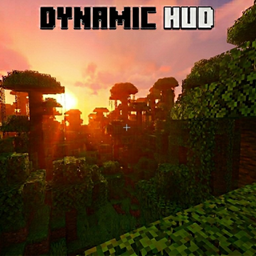
Dynamic HUD is a Minecraft Bedrock add on that keeps the interface unobtrusive and immersive. Hearts, hunger, hotbar, armor, XP, and mount health appear only when gameplay makes them useful, then fade away after a short time. This leaves more room to appreciate the environment while keeping essential information close at hand during combat, exploration, crafting, or riding.
Each player can choose independent display settings, coordinate visibility, colors, and timing, making it well suited to a shared Minecraft server. Coordinates can shift slightly to help reduce OLED burn in. At BoxToPlay, we recommend it for players who want a cleaner vanilla experience without sacrificing awareness.
Available Versions
How to add Dynamic HUD to your Bedrock server
Select your version
Select the version of Dynamic HUD you want installed on your Minecraft Bedrock server.
Check your cart
You go directly to your cart with the Minecraft Bedrock plan and selected version of Dynamic HUD already included. Check that everything is correct before continuing.
Receive your server
Wait while your Minecraft Bedrock server is built and delivered. Installation of your selected Dynamic HUD version starts during setup. Once it is ready, connect and have fun.
Ready to use Dynamic HUD?
Create your Minecraft Bedrock server and install the Dynamic HUD add-on with one click!