
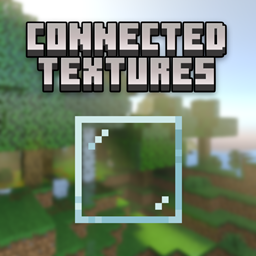
Add-on Connected Blocks
Connected Blocks
Connected Blocks, seamless building for Bedrock
Connected Blocks is a Minecraft Bedrock add-on inspired by OptiFine’s Connected Textures feature. It replaces selected vanilla blocks with connected variants whose edges blend smoothly with neighboring blocks, removing the distracting grid effect from walls, floors, windows, and decorative structures.
Connected versions are available for glass, glass panes, wood planks, sand, gravel, decorative stones, ores, bricks, sandstone, quartz, bookshelves, sea lanterns, and more. These variants are crafted separately, making them useful for builders who want a cleaner visual style on a Minecraft server. At BoxToPlay, we recommend it for modern builds, polished interiors, and detailed architectural projects.
Available Versions
How to add Connected Blocks to your Bedrock server
Select your version
Select the version of Connected Blocks you want installed on your Minecraft Bedrock server.
Check your cart
You go directly to your cart with the Minecraft Bedrock plan and selected version of Connected Blocks already included. Check that everything is correct before continuing.
Receive your server
Wait while your Minecraft Bedrock server is built and delivered. Installation of your selected Connected Blocks version starts during setup. Once it is ready, connect and have fun.
Ready to use Connected Blocks?
Create your Minecraft Bedrock server and install the Connected Blocks add-on with one click!