
BoxToPlay offers you 1-Click installations of various API for your server (CraftBukkit / Spigot / Thermos / Forge etc). In case you want to use a different API, you can follow this tutorial on how to use the openmod.
-
First of all, in order to access your server files, you need to download an FTP client. We recommend FileZilla.
-
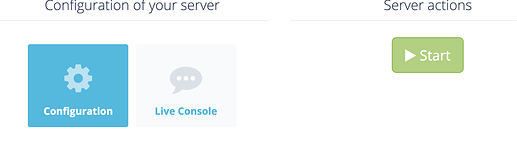
Go to your configuration panel.
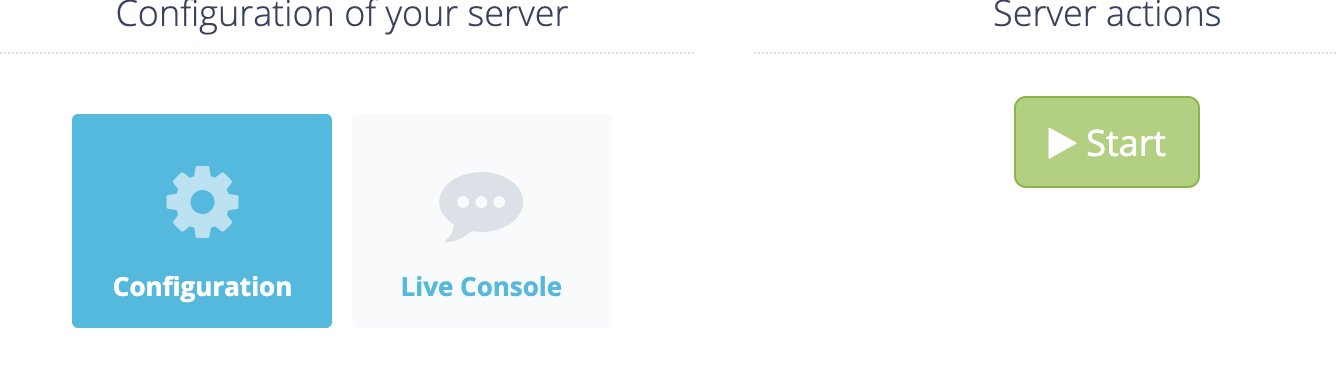
- Then click on ‹ File Access (FTP) › tab.
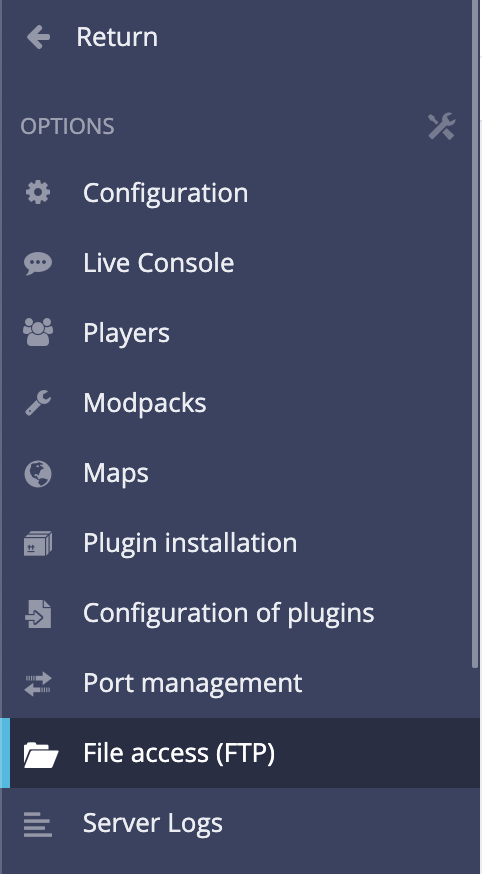
- Create an FTP account by entering a username and a password, for practical reasons, you can leave the access directory to root (’ / ').
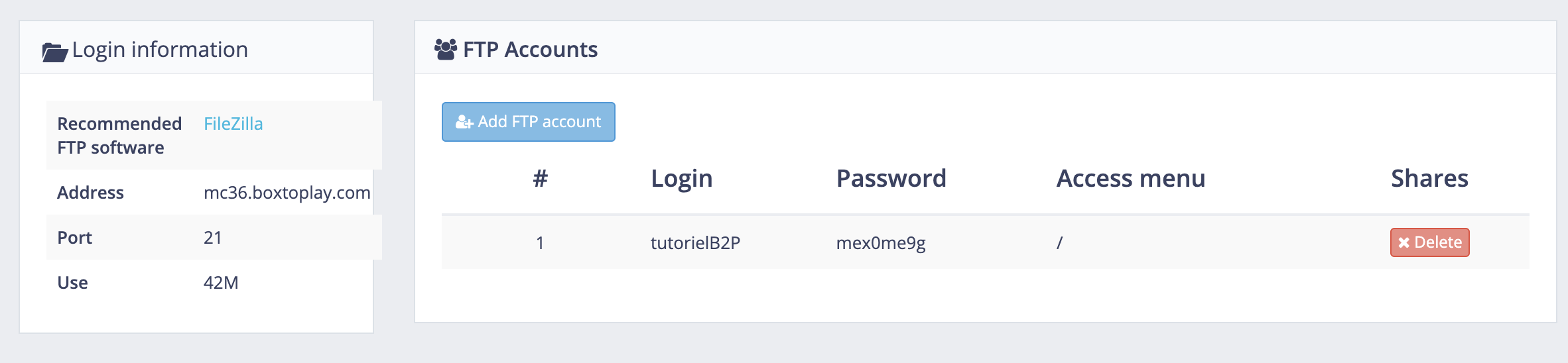
- Now open FileZilla and fill in the corresponding fields (Host, Username, Password and Port).

- Quickconnect and you’ll be connected to your server directory
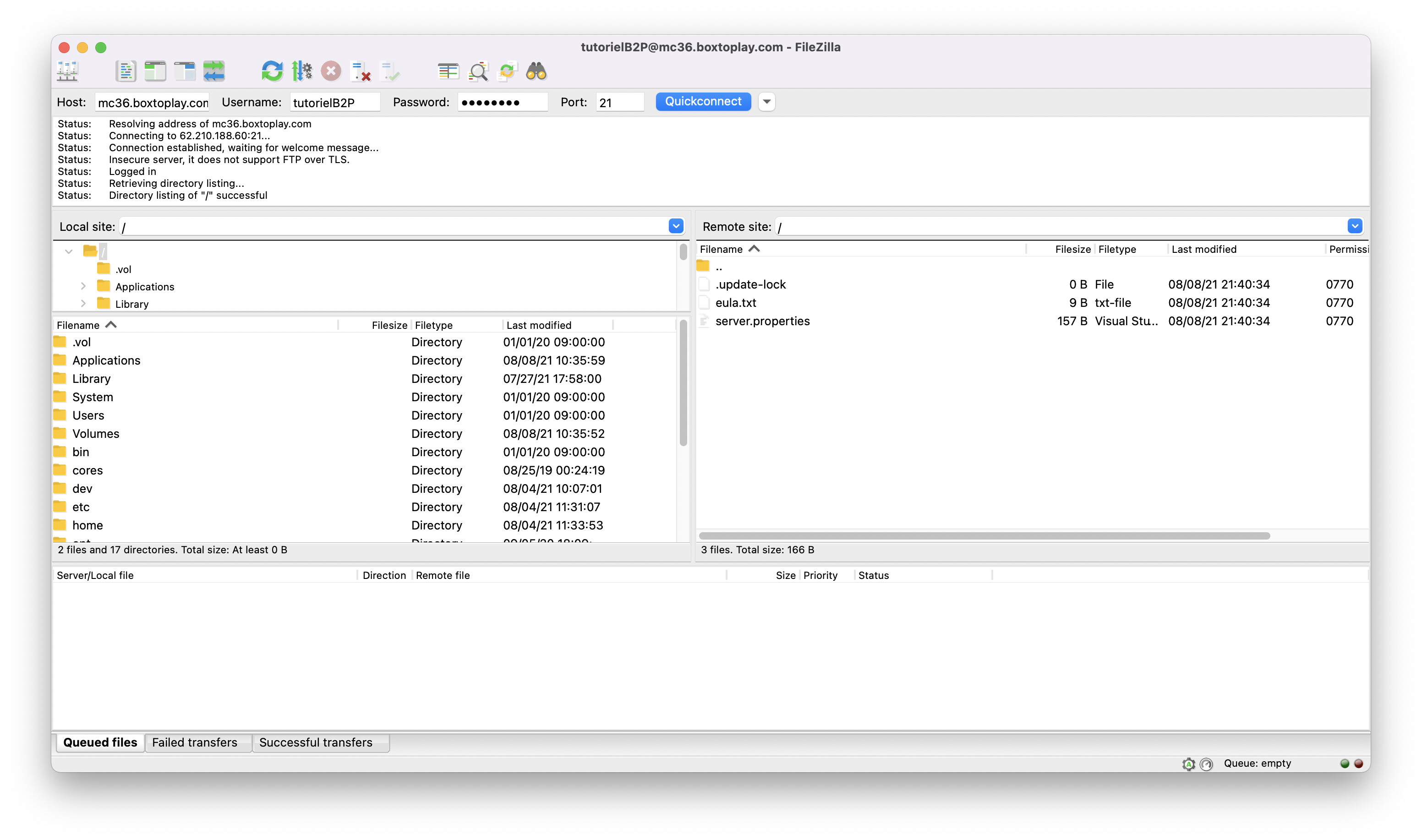
- Drag and drop the desired .jar file.
List of known server software :
- Vanilla (classic server without plugins) : Vanilla
- CraftBukkit : CraftBukkit
- Spigot : Spigot
- Paper : Downloads | PaperMC
- Purpur : https://purpur.pl3x.net/downloads/
- Airplane : https://ci.tivy.ca/
- Sponge : SpongeDownloads
- Mohist : https://mohistmc.com/
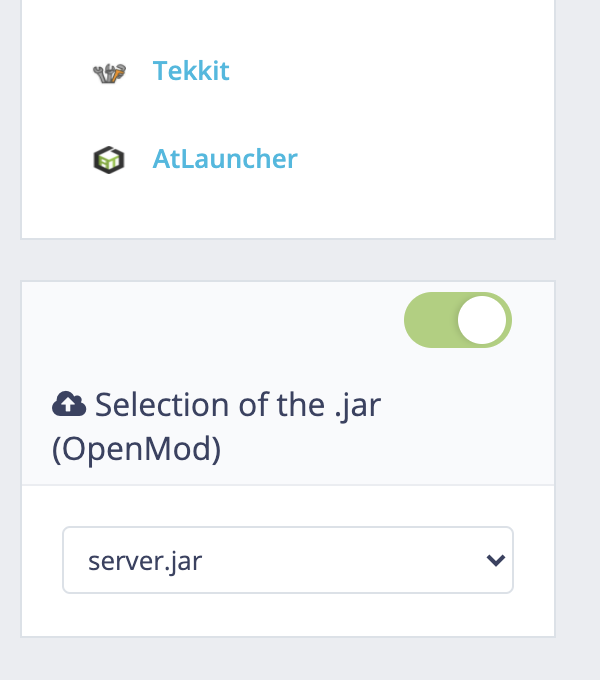
The file is named ‹ server.jar › in this example.

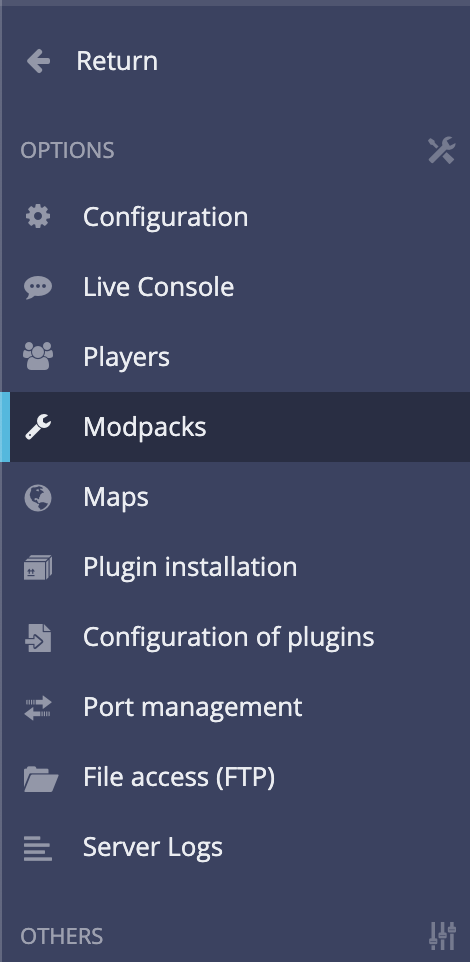
- Go back to your panel then click on the ‹ Modpacks › tab.
- Then activate the ‹ Openmod › option and select the name of the .jar file you just uploaded to your FTP directory.
- (Re)Start your server and it’s done!

If you have any problems, please feel free to contact us via Discord or send us a customer ticket.
More Articles
:uk: Ragnamods VI modpack installation
September 22, 2021Update of the "Installation of plugins" module
August 09, 2021Update of the Standard offer
July 29, 2021New version of php on web hosting
July 28, 2021