
Plugin Accessories
Accessories
Accessories, versatile tools for a Minecraft server
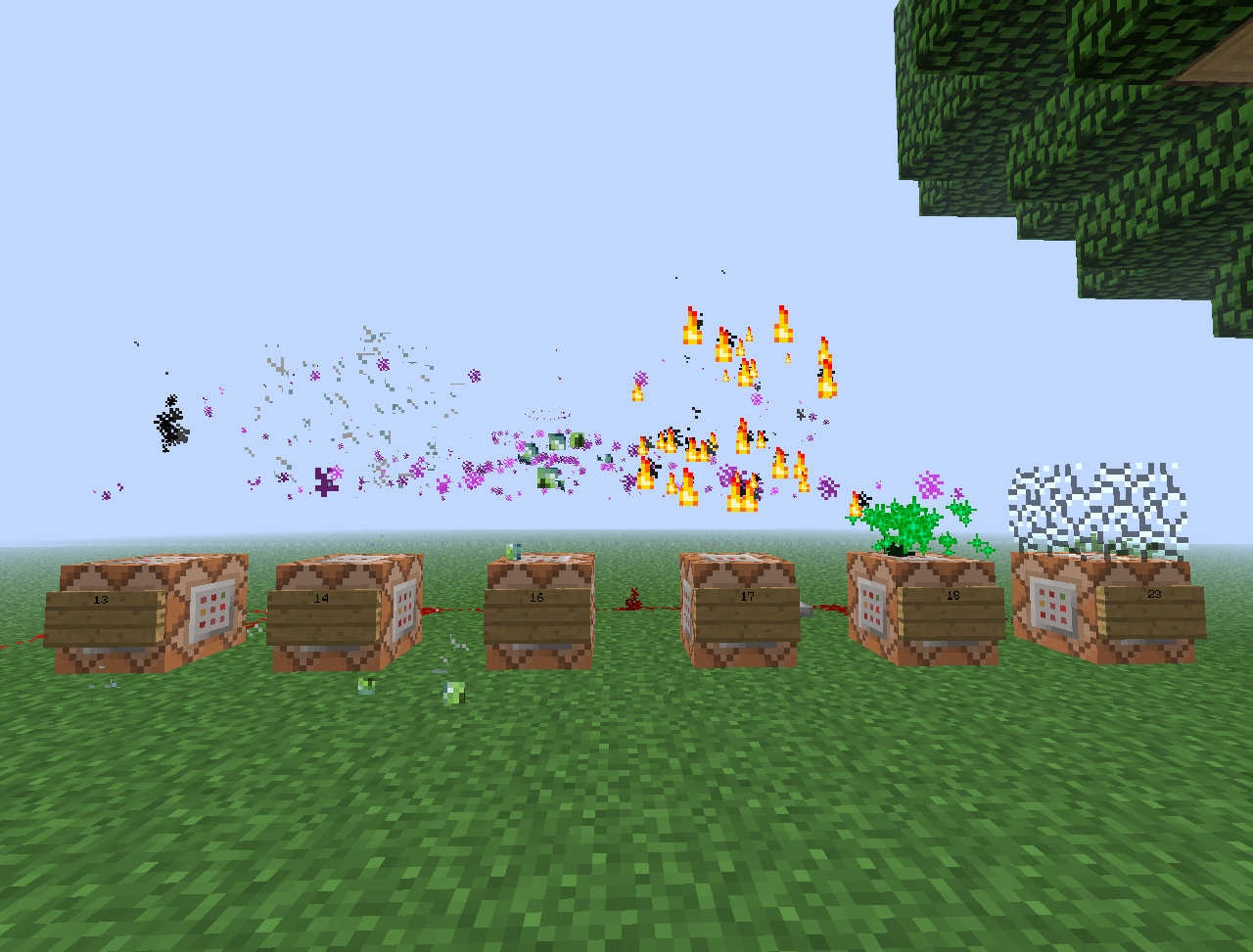
Accessories is a classic Bukkit plugin designed mainly for operators who want quick control over their Minecraft server and its world. It brings together commands for spawning entities, creating tile entities, applying enchantments and potion effects, placing blocks, removing entities, and triggering sounds, particles, explosions or animations.
It also supports practical and playful actions such as hiding a player with vanish, giving tamed wolves or cats, wearing blocks as hats, editing item names and lore, coloring items, and creating skulls or paintings. With BoxToPlay, this utility can enrich administration, testing and event setup without changing the survival core.
Available Versions
How to add Accessories to your Minecraft server
Select your version
Select the version of Accessories you want installed on your Minecraft server.
Check your cart
You go directly to your cart with the Minecraft plan and selected version of Accessories already included. Check that everything is correct before continuing.
Receive your server
Wait while your Minecraft server is built and delivered. Installation of your selected Accessories version starts during setup. Once it is ready, connect and have fun.
Ready to use Accessories?
Create your Minecraft server and install the Accessories plugin with one click!