
Plugin GUI Commands
GUI Commands
Minecraft GUI Commands Plugin
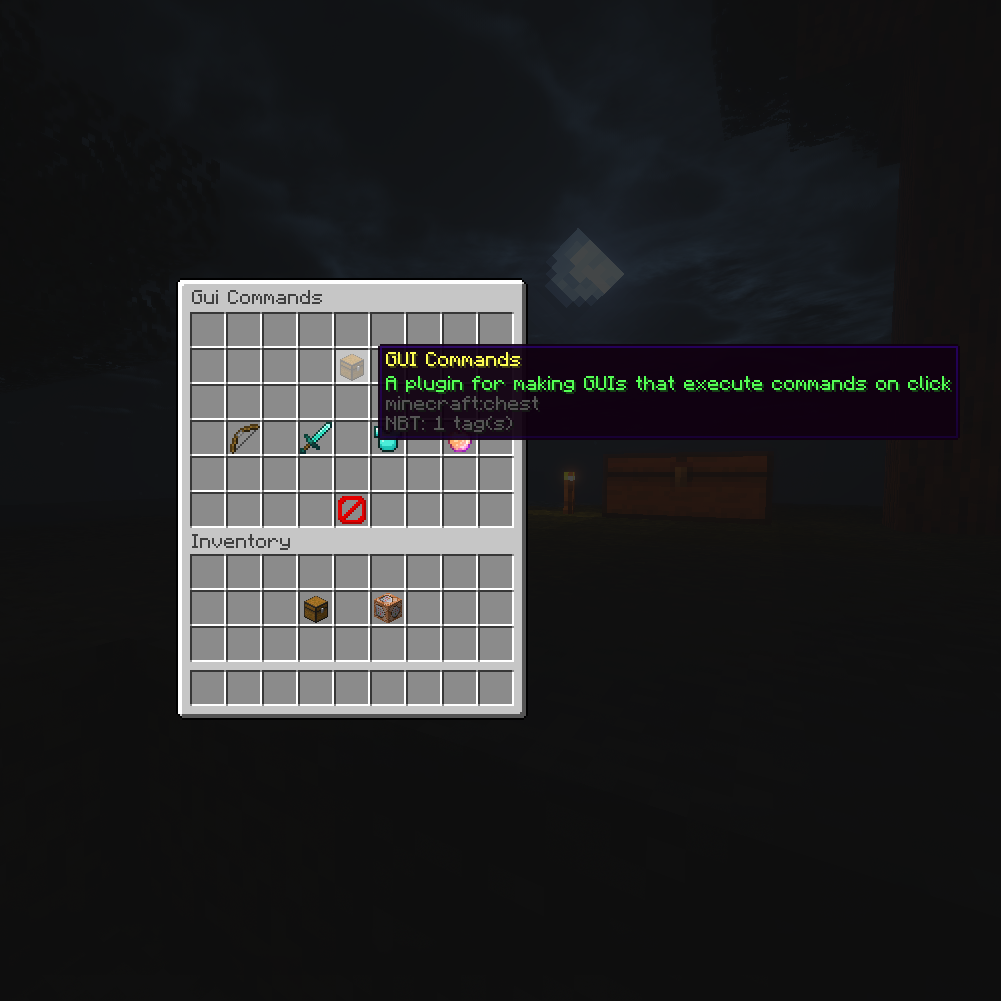
GUI Commands is a Java plugin for creating interactive menus on a Minecraft server. Each menu item can display a custom material, name, lore, and quantity, then execute a configured command when a player clicks it. This makes everyday server features easier to access through a clear inventory interface.
Administrators can customize menu titles, sizes, opening and closing commands, filler items, and whether the menu stays open after a selection. Separate permissions control who can see or use each item, while optional login items and Bungee support make it useful for server selectors, warp menus, kits, and navigation tools. Our BoxToPlay servers benefit from a more accessible player experience.
Available Versions
How to add GUI Commands to your Minecraft server
Select your version
Select the version of GUI Commands you want installed on your Minecraft server.
Check your cart
You go directly to your cart with the Minecraft plan and selected version of GUI Commands already included. Check that everything is correct before continuing.
Receive your server
Wait while your Minecraft server is built and delivered. Installation of your selected GUI Commands version starts during setup. Once it is ready, connect and have fun.
Ready to use GUI Commands?
Create your Minecraft server and install the GUI Commands plugin with one click!