
Plugin ChangeSkinX
ChangeSkinX
ChangeSkinX, change your ingame skin in one command
ChangeSkinX is a Bukkit, Spigot plugin that lets players instantly change their Minecraft skin directly in game with simple commands, without modifying the client. It contacts official Mojang services to fetch signed skins, so every look you apply is properly validated and compatible with standard clients.
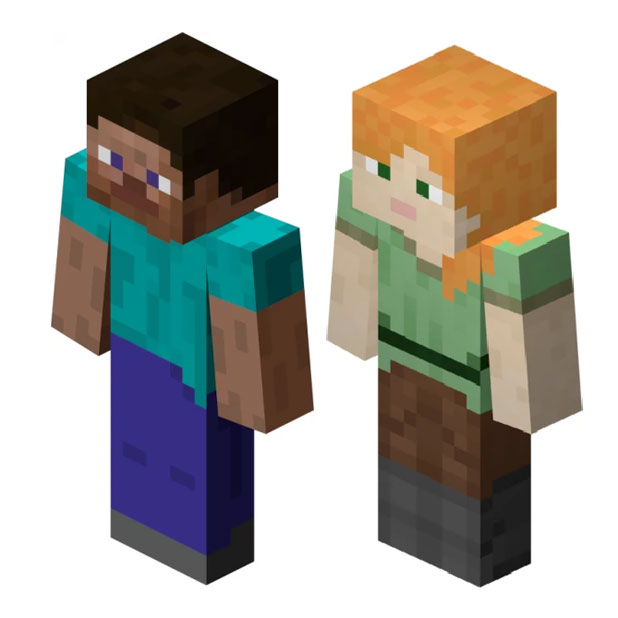
The plugin supports a wide range of versions up to Minecraft 1.19.3, offers instant updates, efficient caching to reduce Mojang rate limits, and the option to define a default skin for players using Steve or Alex. On a Minecraft server hosted by BoxToPlay, it becomes a great way to personalize communities and roleplay worlds effortlessly.
Available Versions
How to add ChangeSkinX to your Minecraft server
Select your version
Select the version of ChangeSkinX you want installed on your Minecraft server.
Check your cart
You go directly to your cart with the Minecraft plan and selected version of ChangeSkinX already included. Check that everything is correct before continuing.
Receive your server
Wait while your Minecraft server is built and delivered. Installation of your selected ChangeSkinX version starts during setup. Once it is ready, connect and have fun.
Ready to use ChangeSkinX?
Create your Minecraft server and install the ChangeSkinX plugin with one click!