
Plugin LagMonitor
LagMonitor
LagMonitor, Minecraft Server Performance Analysis
LagMonitor is a Spigot plugin designed to help administrators understand and diagnose performance issues on a Minecraft server. Inspired by tools such as VisualVM and Java Mission Control, it brings detailed monitoring directly into the game, without requiring external analysis software.
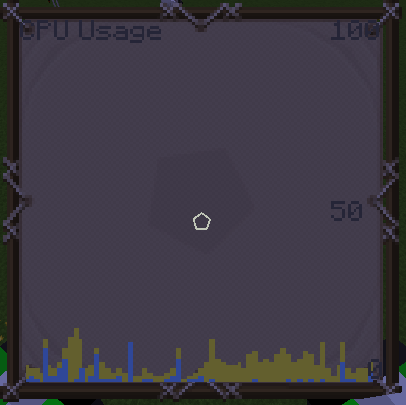
The plugin displays TPS history, player ping, CPU and RAM usage, thread activity, server timings, heap information, and visual graphs. It can also detect blocking operations, create thread or heap dumps, inspect Java environment data, and record performance statistics in MySQL or MariaDB. At BoxToPlay, we recommend it for server owners who want clear technical insight into lag sources.
Available Versions
How to add LagMonitor to your Minecraft server
Select your version
Select the version of LagMonitor you want installed on your Minecraft server.
Check your cart
You go directly to your cart with the Minecraft plan and selected version of LagMonitor already included. Check that everything is correct before continuing.
Receive your server
Wait while your Minecraft server is built and delivered. Installation of your selected LagMonitor version starts during setup. Once it is ready, connect and have fun.
Ready to use LagMonitor?
Create your Minecraft server and install the LagMonitor plugin with one click!