
Datapack Disable Dimensions
Disable Dimensions
Disable Dimensions, control access to every dimension
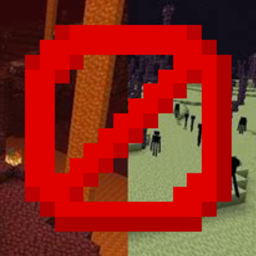
Disable Dimensions is a Minecraft Java datapack designed for server admins who want reliable control over dimension travel. It blocks entry to The Nether and The End through portals, teleportation, projectiles, and other common workarounds, helping protect progression and reduce griefing on a Minecraft server.
Its configuration panel lets you enable or disable each dimension, add custom dimensions, set return behavior, customize messages, and create conditions based on advancements, in game days, world time, or gamemode. At BoxToPlay, we recommend it for controlled SMPs, challenge worlds, and modded environments that need flexible, hard to bypass access rules.
Available Versions
How to add Disable Dimensions to your Minecraft world
Select your version
Select the version of Disable Dimensions you want installed on your Minecraft server.
Check your cart
You go directly to your cart with the Minecraft plan and selected version of Disable Dimensions already included. Check that everything is correct before continuing.
Receive your server
Wait while your Minecraft server is built and delivered. Installation of your selected Disable Dimensions version starts during setup. Once it is ready, connect and have fun.
Ready to use Disable Dimensions?
Create your Minecraft server and install the Disable Dimensions datapack with one click.