
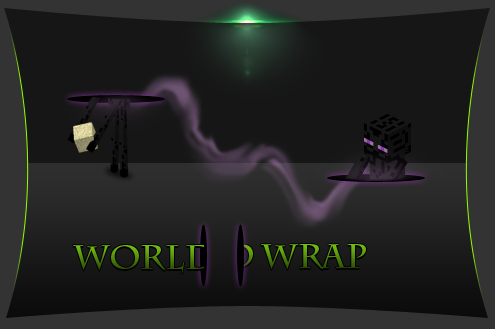
Plugin WorldWrap
WorldWrap
WorldWrap, Don’t Fall!
WorldWrap is a legacy Bukkit plugin that reshapes server travel by connecting the limits of a Minecraft world. If a player goes below the configured depth or above the building limit, the plugin can move them to the opposite vertical area, a safe surface, glass, spawn, chosen coordinates, or another world. It can also simulate a round world by teleporting players who cross a defined radius to the opposite side.
Administrators can customize boundaries, fall height, underground placement, messages, randomness, and behavior per world, with optional support for mobs and animals. At BoxToPlay, we recommend it for experimental survival or themed Minecraft server concepts, while noting its original compatibility targets are very old CraftBukkit releases.
Available Versions
How to add WorldWrap to your Minecraft server
Select your version
Select the version of WorldWrap you want installed on your Minecraft server.
Check your cart
You go directly to your cart with the Minecraft plan and selected version of WorldWrap already included. Check that everything is correct before continuing.
Receive your server
Wait while your Minecraft server is built and delivered. Installation of your selected WorldWrap version starts during setup. Once it is ready, connect and have fun.
Ready to use WorldWrap?
Create your Minecraft server and install the WorldWrap plugin with one click!