
Plugin GlobalWarming
GlobalWarming
Global Warming, climate change for Minecraft servers
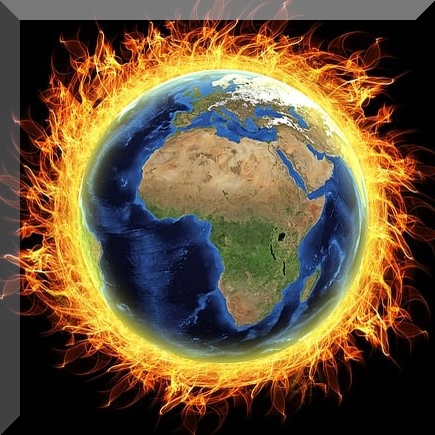
Global Warming is a Spigot plugin that turns environmental impact into a survival mechanic. It models greenhouse gases such as CO2 and methane, with furnaces producing CO2 during smelting, growing trees absorbing it, and farm animals contributing methane when killed. As atmospheric levels increase, temperature rises and configurable climate effects make everyday survival more demanding.
Players can follow a personal carbon footprint, compare polluter and planter rankings, use scoreboards, and support carbon offsetting through an economy integration. Multi world support lets administrators limit the experiment to selected worlds, creating a cooperative challenge where a Minecraft server must balance industry, reforestation, and long term survival. BoxToPlay highlights it for communities seeking a distinctive, educational gameplay twist.
Available Versions
How to add GlobalWarming to your Minecraft server
Select your version
Select the version of GlobalWarming you want installed on your Minecraft server.
Check your cart
You go directly to your cart with the Minecraft plan and selected version of GlobalWarming already included. Check that everything is correct before continuing.
Receive your server
Wait while your Minecraft server is built and delivered. Installation of your selected GlobalWarming version starts during setup. Once it is ready, connect and have fun.
Ready to use GlobalWarming?
Create your Minecraft server and install the GlobalWarming plugin with one click!