
Plugin TravelGates
TravelGates
TravelGates, teleportation destinations for a Minecraft server
TravelGates is a legacy Bukkit plugin that turns selected locations into named teleportation destinations on a Minecraft server. Players can move between linked points across different worlds, use commands, click marked signs, or step onto configured teleport blocks. The system can preserve the player’s facing direction and supports permissions, destination restrictions, administrator only routes, and optional inventory clearing for special journeys.
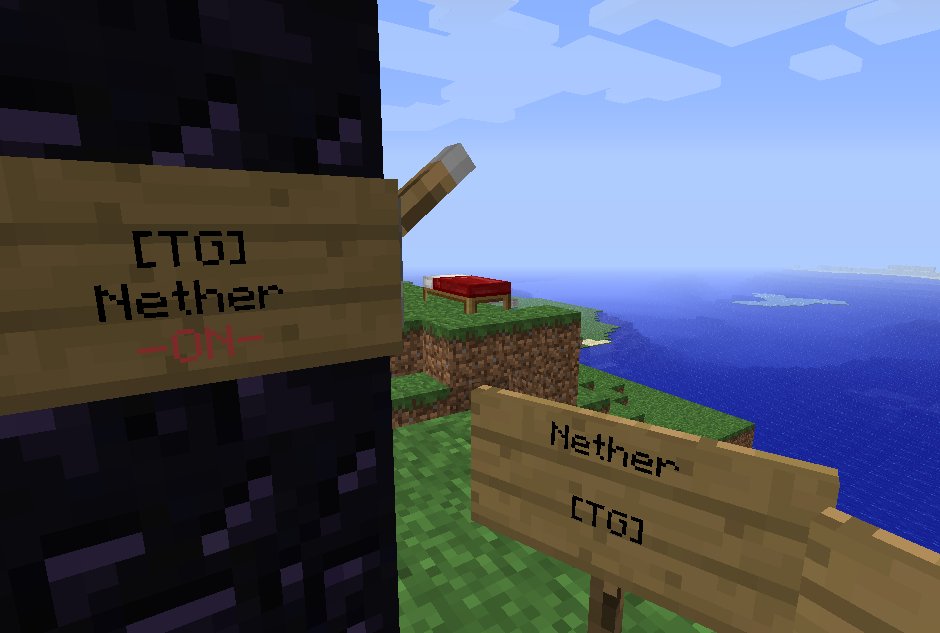
Its standout feature is Nether Portal integration. A TravelGates sign can redirect an active portal to a chosen destination, while an inactive sign restores regular Nether travel. At BoxToPlay, we recommend it for classic server setups seeking structured fast travel, while noting its original support targets older Minecraft versions.
Available Versions
How to add TravelGates to your Minecraft server
Select your version
Select the version of TravelGates you want installed on your Minecraft server.
Check your cart
You go directly to your cart with the Minecraft plan and selected version of TravelGates already included. Check that everything is correct before continuing.
Receive your server
Wait while your Minecraft server is built and delivered. Installation of your selected TravelGates version starts during setup. Once it is ready, connect and have fun.
Ready to use TravelGates?
Create your Minecraft server and install the TravelGates plugin with one click!