
Plugin Picture Login
Picture Login
Picture Login
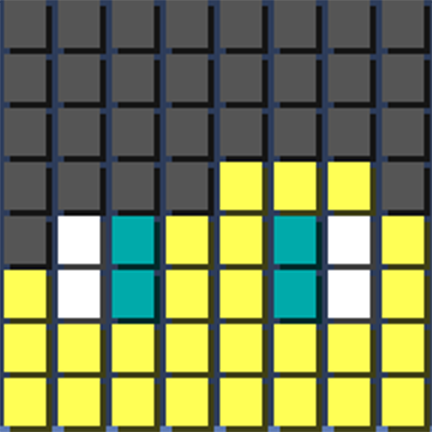
Picture Login is a Java plugin for Spigot and Bukkit servers that gives player arrivals a more personal touch. When someone joins, it displays a pixel art representation of their Minecraft skin directly in chat, alongside a customizable welcome message.
Our BoxToPlay team appreciates its flexibility: administrators can choose the avatar source, use variables, color and formatting codes, adjust text alignment, and tailor messages for different situations. Permissions control who can see the display, while a reload command applies configuration changes without restarting the Minecraft server.
Available Versions
How to add Picture Login to your Minecraft server
Select your version
Select the version of Picture Login you want installed on your Minecraft server.
Check your cart
You go directly to your cart with the Minecraft plan and selected version of Picture Login already included. Check that everything is correct before continuing.
Receive your server
Wait while your Minecraft server is built and delivered. Installation of your selected Picture Login version starts during setup. Once it is ready, connect and have fun.
Ready to use Picture Login?
Create your Minecraft server and install the Picture Login plugin with one click!