
Plugin Entei's Inventory Manager
Entei's Inventory Manager
Entei’s Inventory Manager for Minecraft Servers
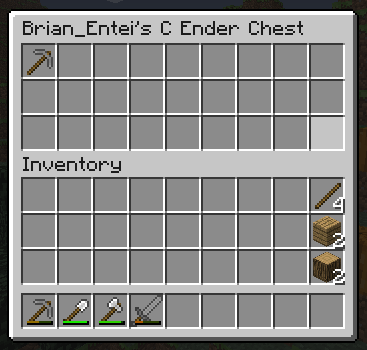
Entei’s Inventory Manager is a legacy Bukkit plugin that controls which inventory players receive when moving between worlds on a Minecraft server. Administrators can configure separate inventories for each world, or share one inventory across selected worlds while excluding others.
It preserves detailed item data, including enchantments, custom names, lore, books, damage values, and unsafe enchantments. The plugin can also save health, hunger, potion effects, and selected gamemodes, while human readable files make stored data easier to inspect. At BoxToPlay, we recommend it for classic server setups that need clear world based progression, while noting its compatibility is centered on old Bukkit versions.
Available Versions
How to add Entei's Inventory Manager to your Minecraft server
Select your version
Select the version of Entei's Inventory Manager you want installed on your Minecraft server.
Check your cart
You go directly to your cart with the Minecraft plan and selected version of Entei's Inventory Manager already included. Check that everything is correct before continuing.
Receive your server
Wait while your Minecraft server is built and delivered. Installation of your selected Entei's Inventory Manager version starts during setup. Once it is ready, connect and have fun.
Ready to use Entei's Inventory Manager?
Create your Minecraft server and install the Entei's Inventory Manager plugin with one click!