
The Dragons Den
The Dragons Den
The Dragons Den, fantasy RPG and tech modpack
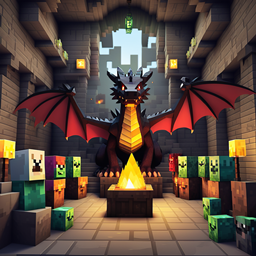
The Dragons Den is a fantasy style RPG pack that turns any Minecraft server into a realm ruled by dragons, arcane power and ingenious machines. Players explore dangerous dungeons, hunt legendary creatures and develop powerful spells and enchanting systems. At the same time, advanced tech mods introduce complex automation, energy management and upgraded equipment that support long term progression. This balance between magic and technology offers a rich cooperative experience, ideal for groups who enjoy adventure and optimization. Hosted with BoxToPlay, The Dragons Den becomes a stable playground for epic campaigns and creative base building.
Available versions
How to add The Dragons Den to your Minecraft server
Select your version
Select the version of The Dragons Den you want installed on your Minecraft server.
Check your cart
You go directly to your cart with the Minecraft plan and selected version of The Dragons Den already included. Check that everything is correct before continuing.
Receive your server
Wait while your Minecraft server is built and delivered. Installation of your selected The Dragons Den version starts during setup. Once it is ready, connect and have fun.
Ready to install The Dragons Den on your own Minecraft Server?
Create your server and install The Dragons Den with one click!