
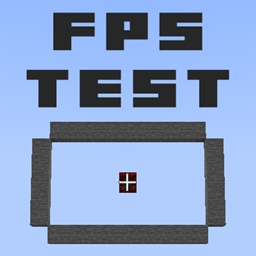
Map GamerPotion's FPS Tester
GamerPotion's FPS Tester
GamerPotion’s FPS Tester Minecraft map
This Minecraft map is designed to measure performance in a controlled setup, giving players a simple way to compare FPS across vanilla play, mods, and resource packs. It uses a fixed viewpoint and a consistent scene, so results are easier to repeat on any Minecraft server testing environment or singleplayer setup.
Made for quick benchmarking, it helps identify whether changes improve or reduce frame rate. At BoxToPlay, we like it because it is practical, lightweight, and focused on one clear goal: delivering a stable FPS baseline for hardware checks and optimization.
Available versions
How to add GamerPotion's FPS Tester as a Minecraft world
Select your version
Select the version of GamerPotion's FPS Tester you want to use as your Minecraft world.
Check your cart
You go directly to your cart with the Minecraft plan and selected version of GamerPotion's FPS Tester already included. Check that everything is correct before continuing.
Receive your server
Wait while your Minecraft server is built and delivered. Your selected GamerPotion's FPS Tester world version is prepared during setup. Once it is ready, connect and have fun.
Ready to play GamerPotion's FPS Tester?
Create your Minecraft server and install the GamerPotion's FPS Tester map as a new world in one click.