
Add-on Tombs!
Tombs!
Tombs! Minecraft Bedrock Add On
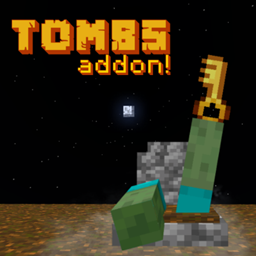
Tombs! is a Minecraft Bedrock add on that protects your inventory when you die. A tomb appears at the death location, while a message shows its coordinates. The tomb can be recognized through walls by its glow and includes information about the death. Use the matching key to open it and automatically recover your items, making dangerous journeys and multiplayer survival less frustrating.
The add on includes 10 tomb designs, letting each player choose a style that also works as decoration. An enchanted key can provide teleportation when you have an Ender Pearl, and operators can adjust global key settings. We at BoxToPlay recommend it for any Minecraft server seeking a practical, customizable recovery system.
Available Versions
How to add Tombs! to your Bedrock server
Select your version
Select the version of Tombs! you want installed on your Minecraft Bedrock server.
Check your cart
You go directly to your cart with the Minecraft Bedrock plan and selected version of Tombs! already included. Check that everything is correct before continuing.
Receive your server
Wait while your Minecraft Bedrock server is built and delivered. Installation of your selected Tombs! version starts during setup. Once it is ready, connect and have fun.
Ready to use Tombs!?
Create your Minecraft Bedrock server and install the Tombs! add-on with one click!