
Add-on Held Light Sources
Held Light Sources
Held Light Sources, dynamic lighting for Minecraft Bedrock
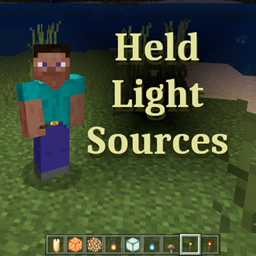
Held Light Sources is a Minecraft Bedrock add on that brings dynamic lighting to exploration. Torches, lanterns, glowstone, sea lanterns, sea pickles, frog lights, and other light emitting blocks can illuminate the surroundings while carried by a player or mob. Dropped light sources can also shine as they fall or rest on the ground.
The brightness follows the block’s normal placed light level, while water affects dry sources such as torches. The add on can use lights from the inventory by default, or be switched to a main hand only mode. We recommend it for a more practical and immersive Minecraft server experience with BoxToPlay.
Available Versions
How to add Held Light Sources to your Bedrock server
Select your version
Select the version of Held Light Sources you want installed on your Minecraft Bedrock server.
Check your cart
You go directly to your cart with the Minecraft Bedrock plan and selected version of Held Light Sources already included. Check that everything is correct before continuing.
Receive your server
Wait while your Minecraft Bedrock server is built and delivered. Installation of your selected Held Light Sources version starts during setup. Once it is ready, connect and have fun.
Ready to use Held Light Sources?
Create your Minecraft Bedrock server and install the Held Light Sources add-on with one click!