
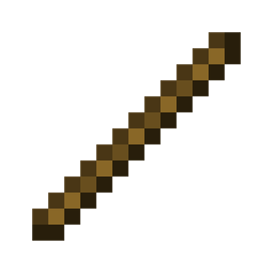
Add-on Debug Stick
Debug Stick
Debug Stick for Bedrock
Debug Stick is a Minecraft Bedrock add on that brings Java Edition’s famous block editing tool to your game. Designed mainly for Creative building, it lets you cycle through block states, change properties such as direction, waterlogging, lighting, wood type, or crop stages, and adjust details without breaking and replacing blocks. Sneak and use can also reveal useful information about a block, including its identifier, location, tags, properties, and redstone power.
It is especially valuable for builders, mapmakers, and redstone enthusiasts who want precise control over structures. On a Minecraft server, our BoxToPlay experience makes this practical for collaborative projects while preserving vanilla gameplay.
Available Versions
How to add Debug Stick to your Bedrock server
Select your version
Select the version of Debug Stick you want installed on your Minecraft Bedrock server.
Check your cart
You go directly to your cart with the Minecraft Bedrock plan and selected version of Debug Stick already included. Check that everything is correct before continuing.
Receive your server
Wait while your Minecraft Bedrock server is built and delivered. Installation of your selected Debug Stick version starts during setup. Once it is ready, connect and have fun.
Ready to use Debug Stick?
Create your Minecraft Bedrock server and install the Debug Stick add-on with one click!