
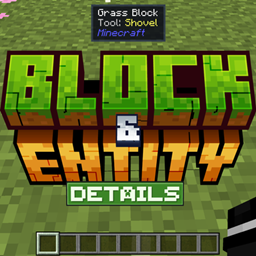
Add-on Block & Entity Details
Block & Entity Details
Block & Entity Details for Minecraft Bedrock
Block & Entity Details is a lightweight Minecraft Bedrock add on that displays a helpful tooltip whenever you look at a block, creature, or dropped item. Without commands or menus, it can show entity names, health, baby or tamed status, active effects, and other useful details.
Block information includes the correct tool, crop growth percentage, honey and container levels, redstone power, and several block states. Universal crop detection also supports content from other add ons. It runs smoothly, remains achievement friendly, and is a practical quality of life feature for any Minecraft server. At BoxToPlay, we recommend it for survival, farming, and technical gameplay.
Available Versions
How to add Block & Entity Details to your Bedrock server
Select your version
Select the version of Block & Entity Details you want installed on your Minecraft Bedrock server.
Check your cart
You go directly to your cart with the Minecraft Bedrock plan and selected version of Block & Entity Details already included. Check that everything is correct before continuing.
Receive your server
Wait while your Minecraft Bedrock server is built and delivered. Installation of your selected Block & Entity Details version starts during setup. Once it is ready, connect and have fun.
Ready to use Block & Entity Details?
Create your Minecraft Bedrock server and install the Block & Entity Details add-on with one click!