
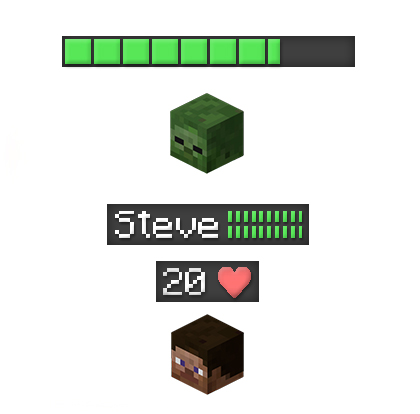
Plugin Health Bar
Health Bar
Health Bar Minecraft plugin
The Health Bar plugin adds an RPG style health display above players and mobs on your Minecraft server, using colored nameplates to show current and maximum health in real time. Originally created for Bukkit and compatible with versions around Minecraft 1.6 and 1.7, it is now marked unmaintained, but still appreciated for its simple visual feedback during combat and exploration.
It lets you customize bar format, texts, visibility timing, and which worlds or entities are affected, without needing client mods. At BoxToPlay we integrate it in one click so you can quickly enhance your PvE and PvP gameplay.
Available Versions
How to add Health Bar to your Minecraft server
Select your version
Select the version of Health Bar you want installed on your Minecraft server.
Check your cart
You go directly to your cart with the Minecraft plan and selected version of Health Bar already included. Check that everything is correct before continuing.
Receive your server
Wait while your Minecraft server is built and delivered. Installation of your selected Health Bar version starts during setup. Once it is ready, connect and have fun.
Ready to use Health Bar?
Create your Minecraft server and install the Health Bar plugin with one click!