
WorldLoad

Plugin WorldLoad

Explore plugin details and available versions

CurseForge 8 versions 6,056 Daily updates

WorldLoad

CurseForge _ForgeUser7563193 8 versions 6,056
Developer’s note: A lightweight plugin to load or generate a custom defined world

WorldLoad, lightweight world management

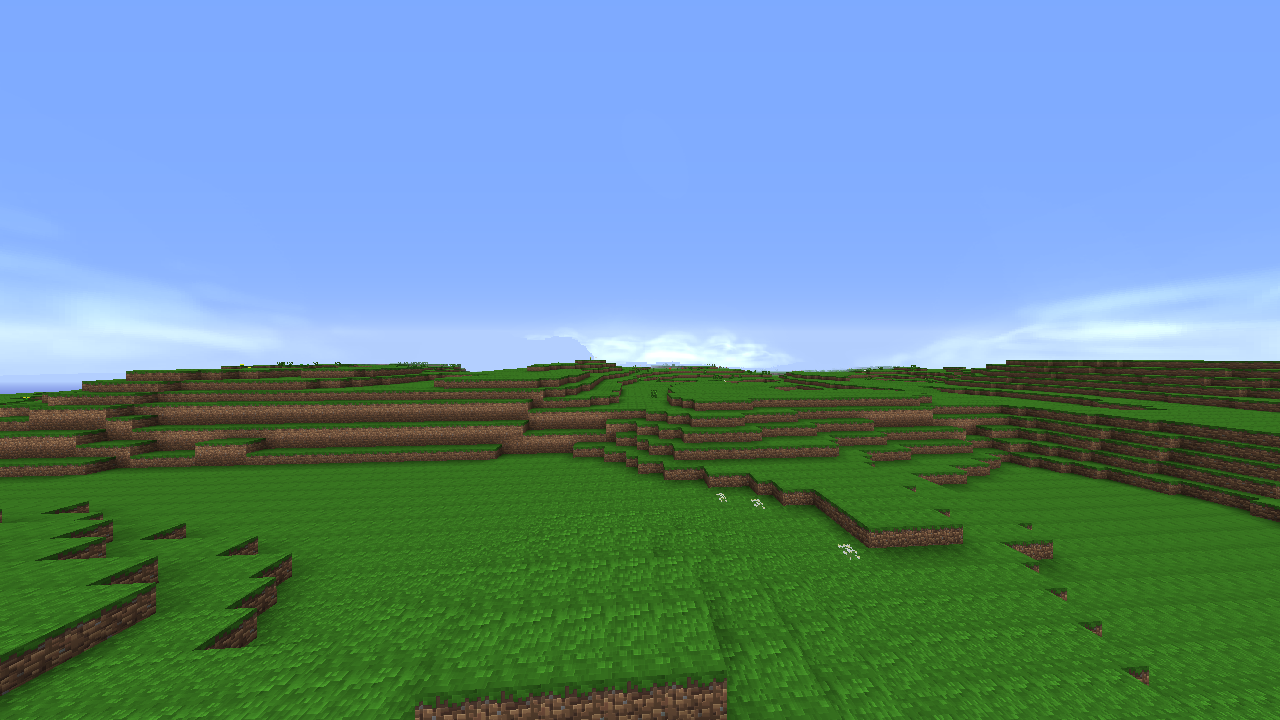
WorldLoad is a lightweight Bukkit plugin created to simplify custom world handling on a Minecraft server. It can load existing worlds, generate new ones from defined settings, and keep selected worlds available after a server restart. The plugin also provides tools to teleport between worlds, list loaded environments, view basic world statistics, and unload, remove, or delete worlds when they are no longer needed.

Its straightforward approach makes WorldLoad useful for survival servers, lobbies, minigames, and testing areas that require several separate environments without relying on a larger management suite. At BoxToPlay, we see it as a practical solution for organizing older Bukkit server setups with minimal overhead.

Available Versions

Version Minecraft Actions
WorldLoad 2.1 1.8.1
WorldLoad 2.0 1.8.1
WorldLoad 1.7 1.8.1
WorldLoad 1.6 1.8.1
Worldload 1.5 1.8.1
Worldload 1.4 1.8.1
WorldLoad 1.3 1.8.1
WorldLoad 3.0 1.10

How to add WorldLoad to your Minecraft server

1

Select your version

Select the version of WorldLoad you want installed on your Minecraft server.

2

Check your cart

You go directly to your cart with the Minecraft plan and selected version of WorldLoad already included. Check that everything is correct before continuing.

3

Receive your server

Wait while your Minecraft server is built and delivered. Installation of your selected WorldLoad version starts during setup. Once it is ready, connect and have fun.

Ready to use WorldLoad?

Create your Minecraft server and install the WorldLoad plugin with one click!

Back to plugins Create my server
🍪