
Plugin PlayerBar
PlayerBar
PlayerBar, customizable health for a Minecraft server
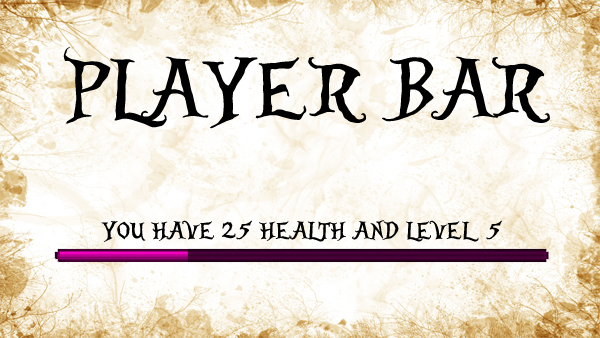
PlayerBar is a classic Bukkit plugin that replaces Minecraft’s standard health display with a configurable player health system. Used alone, it can show health through a bar, a normal display, or text, while also allowing servers to define maximum health and regeneration behavior.
Its API lets other plugins read or update current health, maximum health, percentages, and displayed messages, making it useful for roleplay and custom combat mechanics. Messages can include values such as health, level, food, movement speed, and experience requirements. BoxToPlay presents PlayerBar as a lightweight option for legacy Minecraft server projects, originally targeting CraftBukkit 1.7.2.
Available Versions
How to add PlayerBar to your Minecraft server
Select your version
Select the version of PlayerBar you want installed on your Minecraft server.
Check your cart
You go directly to your cart with the Minecraft plan and selected version of PlayerBar already included. Check that everything is correct before continuing.
Receive your server
Wait while your Minecraft server is built and delivered. Installation of your selected PlayerBar version starts during setup. Once it is ready, connect and have fun.
Ready to use PlayerBar?
Create your Minecraft server and install the PlayerBar plugin with one click!