
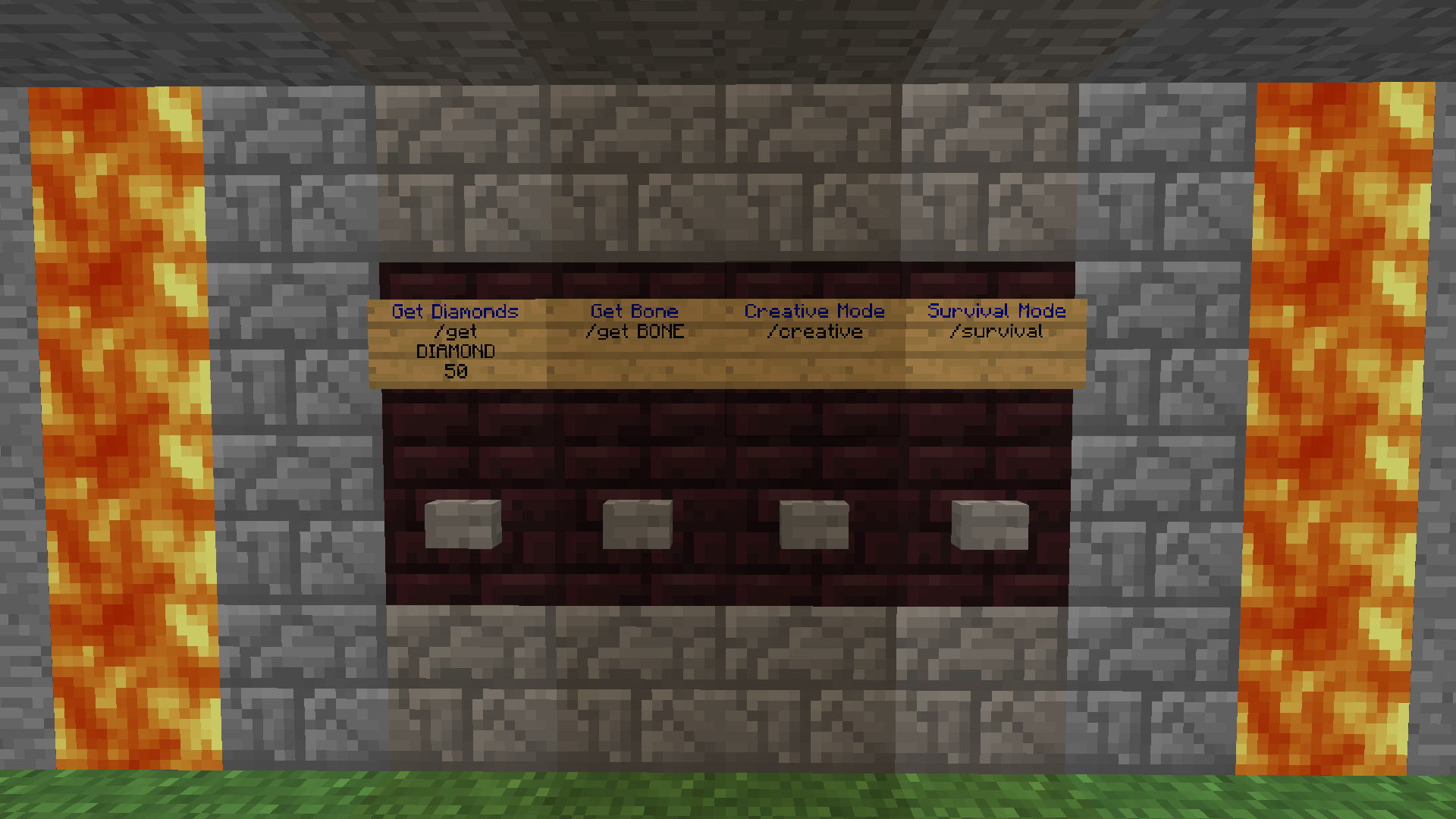
Plugin ButtonCommands
ButtonCommands
ButtonCommands, button activated commands
ButtonCommands is a Bukkit plugin that links Minecraft buttons to commands written on nearby command signs. When a player presses a configured button, the plugin can run one or several commands, either as that player or through the server console. This makes it useful for teleporters, information panels, menus, rewards, and interactive areas on a Minecraft server.
Its features include redstone triggered commands, aliases for grouped actions, command whitelists, variables, and color codes. Because the original project belongs to an older Bukkit release, compatibility should be checked before using it on a modern Minecraft server. BoxToPlay helps us present these tools clearly for practical server customization.
Available Versions
How to add ButtonCommands to your Minecraft server
Select your version
Select the version of ButtonCommands you want installed on your Minecraft server.
Check your cart
You go directly to your cart with the Minecraft plan and selected version of ButtonCommands already included. Check that everything is correct before continuing.
Receive your server
Wait while your Minecraft server is built and delivered. Installation of your selected ButtonCommands version starts during setup. Once it is ready, connect and have fun.
Ready to use ButtonCommands?
Create your Minecraft server and install the ButtonCommands plugin with one click!