Block ads on all your devices: 4 solutions for a Linux VPS
Block ads on all your devices: 4 solutions for a Linux VPS Online ads can quickly become exhausting: banners that take over the page, autoplay videos,…
Read more...
Block ads on all your devices: 4 solutions for a Linux VPS Online ads can quickly become exhausting: banners that take over the page, autoplay videos,…
Read more...Linux VPS: Essential Commands to Get Started You have just received a BoxToPlay Linux VPS and a public IP address, but you have never used Linux…
Install a VPN on a Linux VPS: WireGuard vs OpenVPN Turning a VPS (Virtual Private Server) into a VPN (Virtual Private Network) lets you secure a…
How to Install a Minecraft Server on a Linux VPS: Vanilla, Paper and NeoForge Installing a Minecraft server on a VPS gives you full control over…
Install Pterodactyl on a Linux VPS server Pterodactyl (also see its official GitHub repository) is an open source game server management panel built…
Install Odysseus AI on a Linux VPS server In this guide, we will install Odysseus AI on a Linux VPS server with Docker Compose, then expose it cleanly…
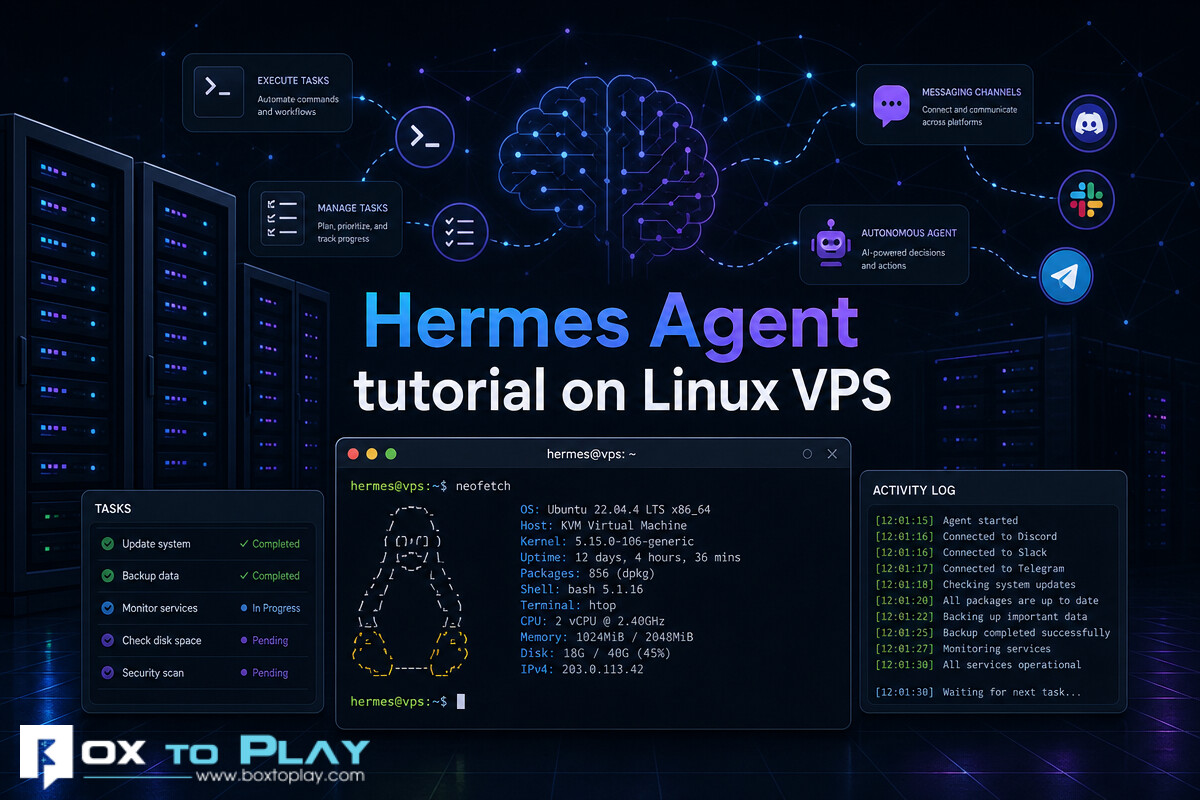
Complete guide: install Hermes AI Agent on a Linux VPS This guide walks you step by step through installing and configuring the Hermes AI Agent on a…
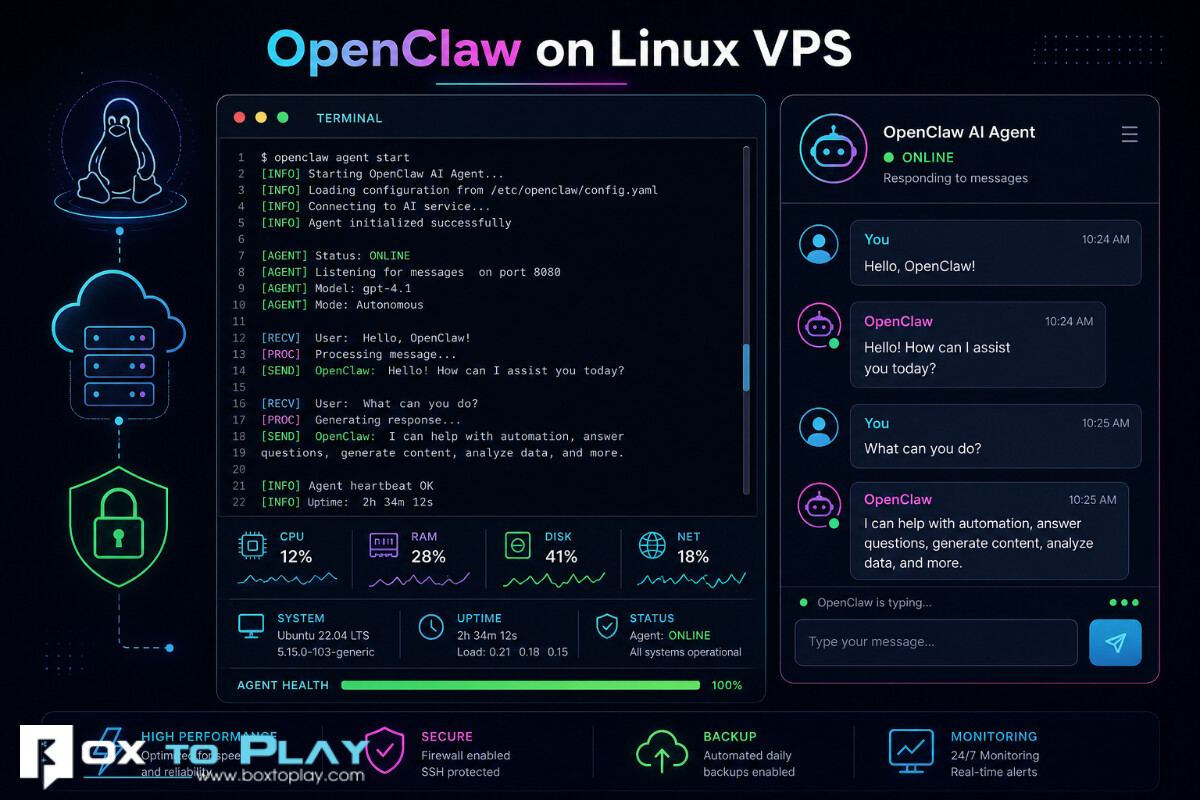
1. Why install OpenClaw on a Linux VPS OpenClaw lets you run an AI agent on your own Linux server, with your configuration, your API keys, and your…
Introduction n8n is a workflow automation platform that runs very well on a Linux VPS server. In this tutorial, we show you step by step how to:…
Introduction Docker makes it easy to run applications and services inside isolated containers on a Linux server. At BoxToPlay, this kind of setup is…